Logging into CertMS
Learn how to log in to your account and navigate directly to your dashboard setup. This guide simplifies the process of accessing your workspace and getting started with adding your first widget.
1. Navigate to the URL supplied to you during sign up.
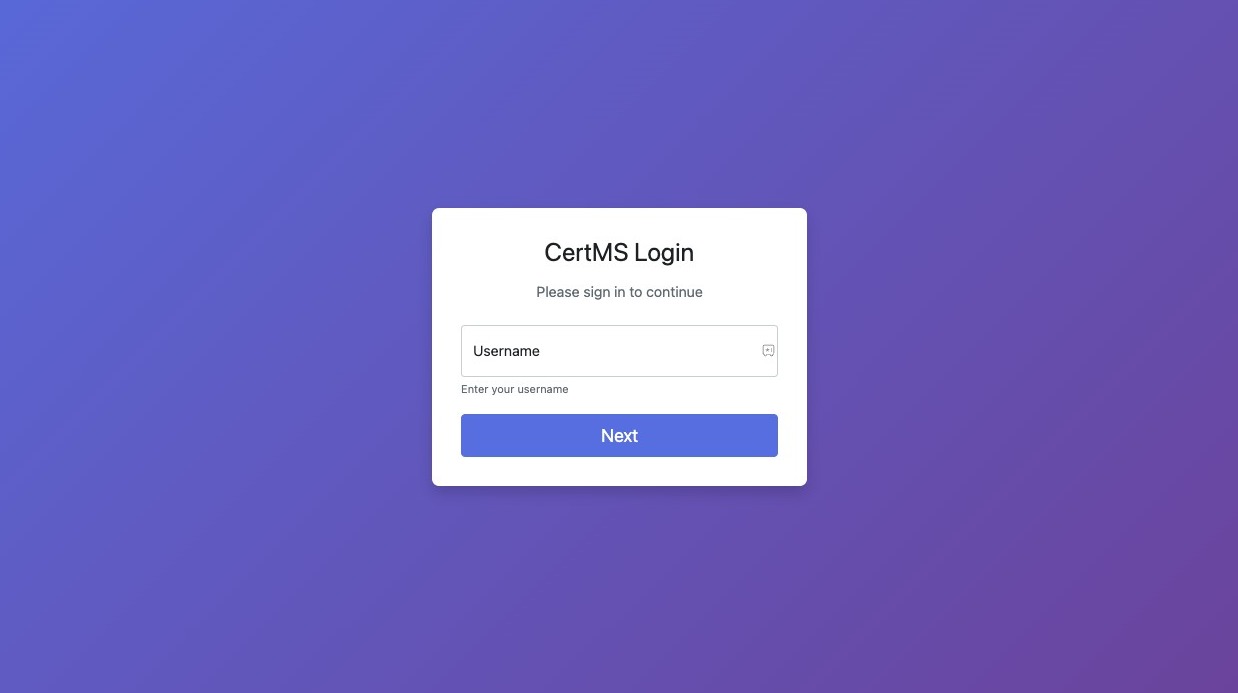
2. Type "admin" in Username field and press Enter. Or whatever other username you have setup.
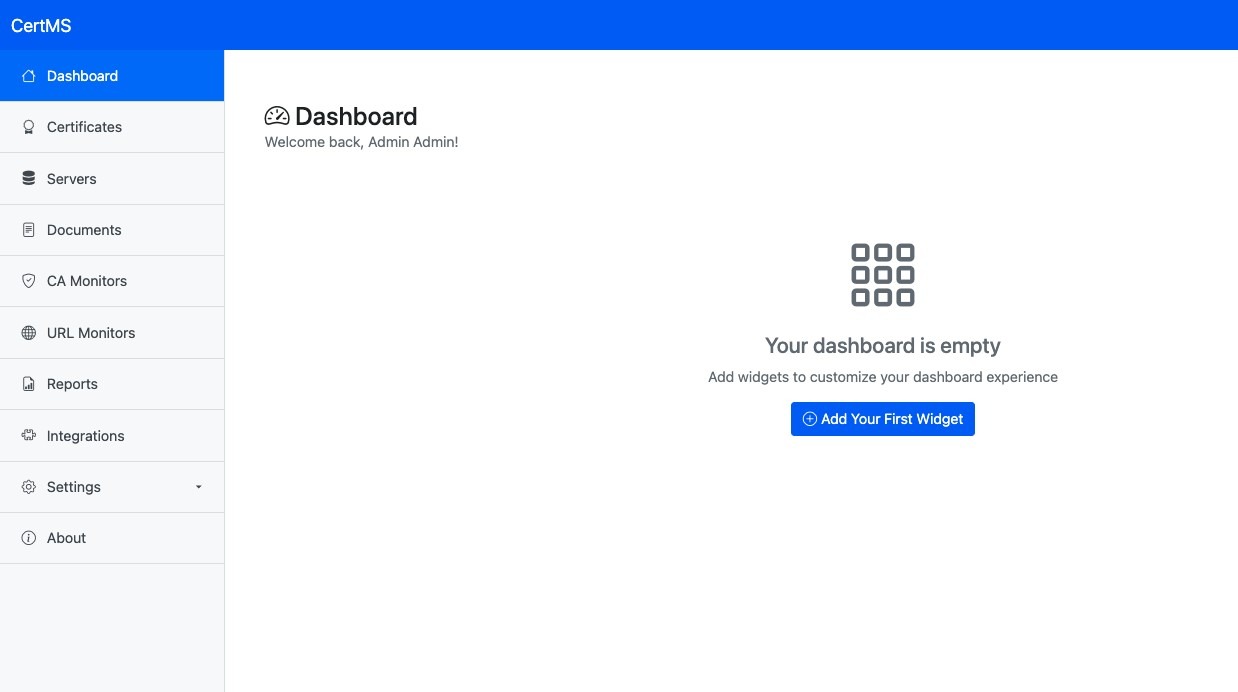
3. You will be taken right to your dashboard