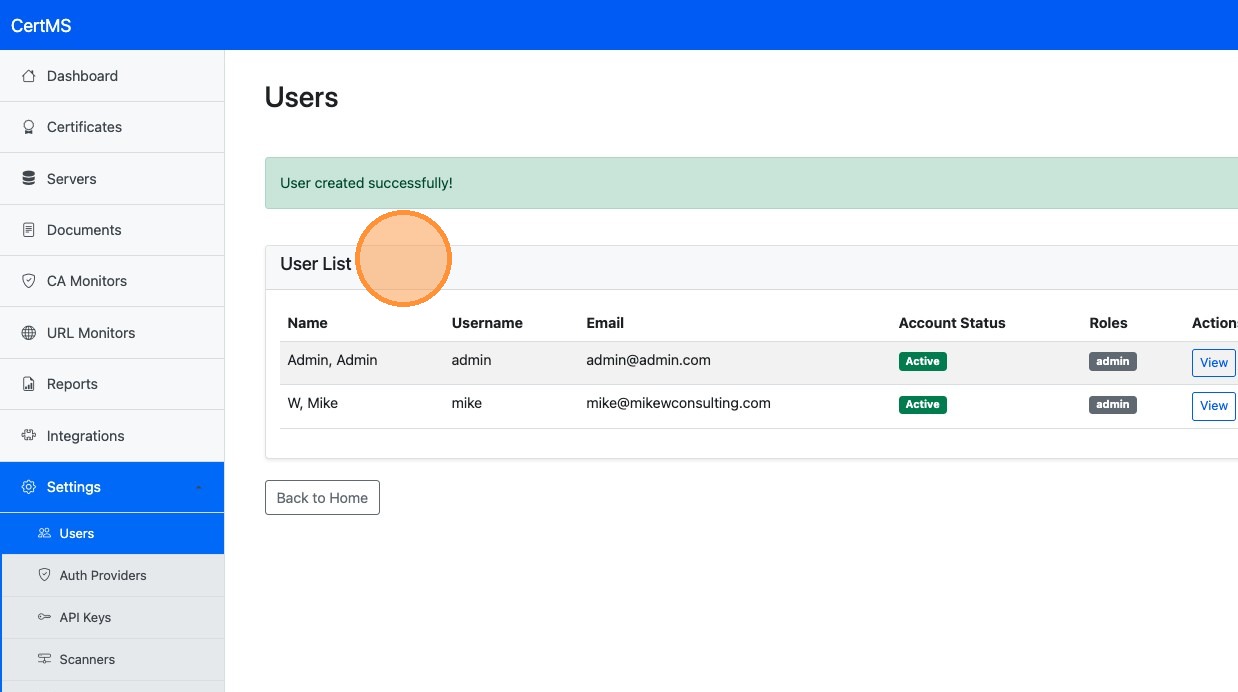
Create a New User Account
Learn the step-by-step process for adding a new user to your application dashboard. This guide walks you through navigating the settings menu, inputting account details, and assigning administrative permissions efficiently.
1. Login to your CertMS Instance
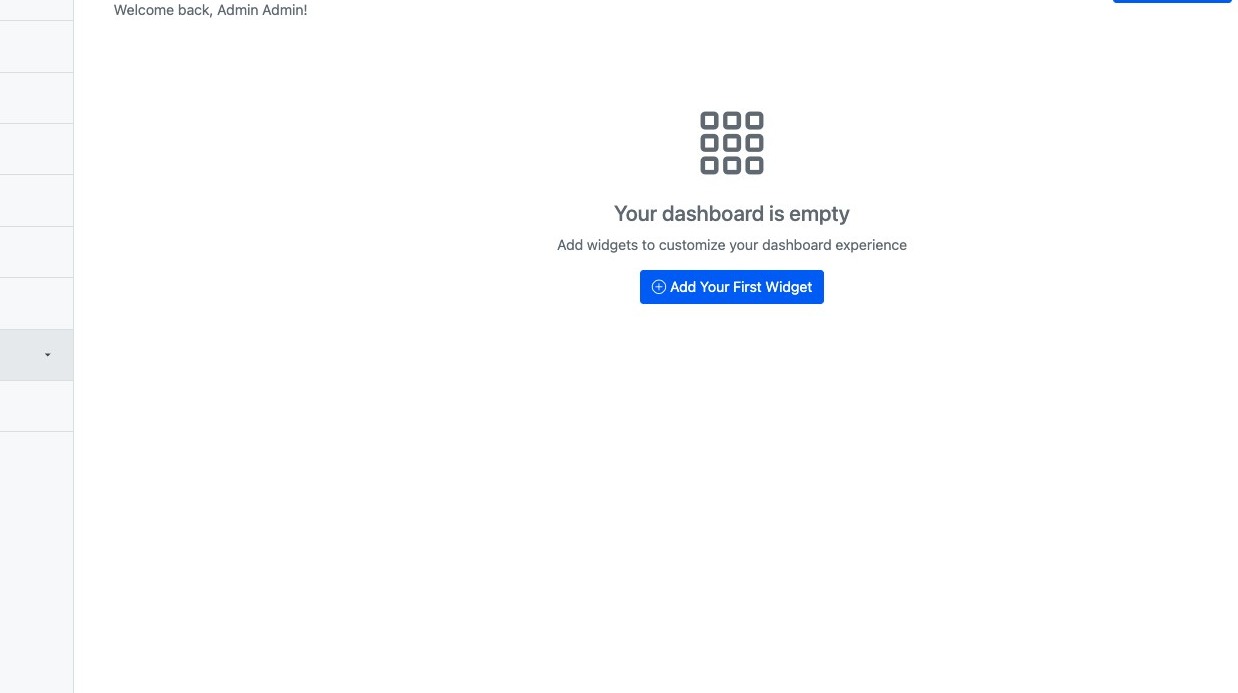
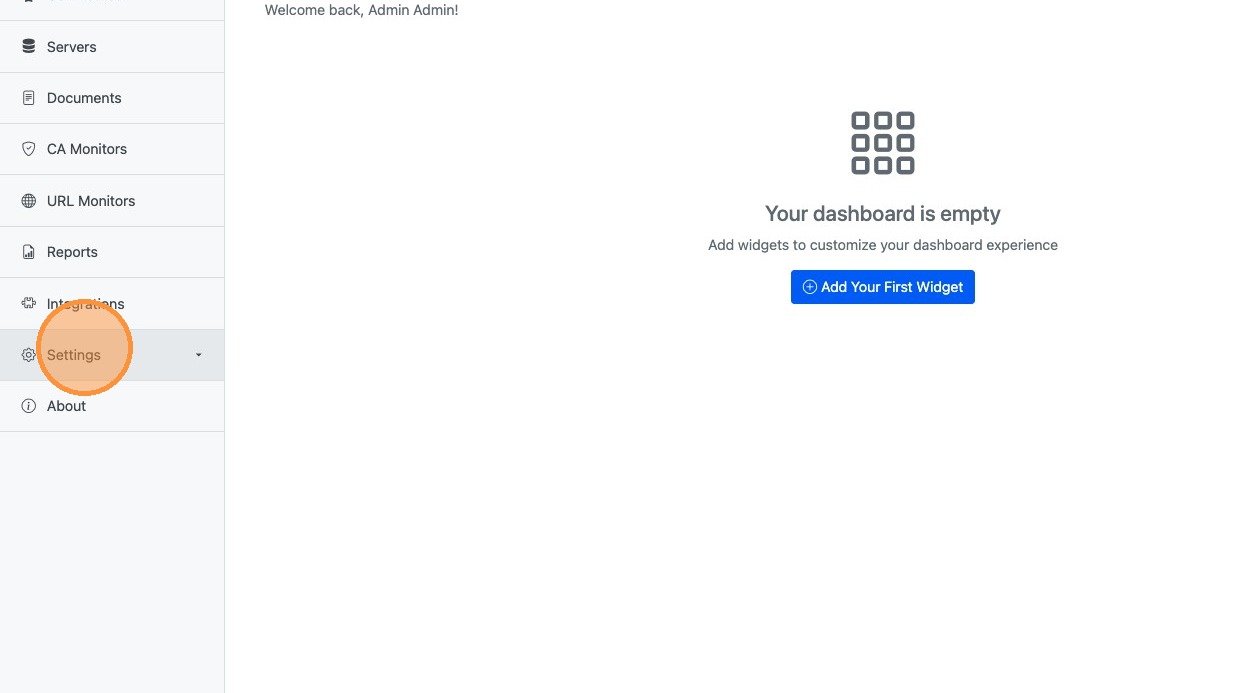
2. Click "Settings"
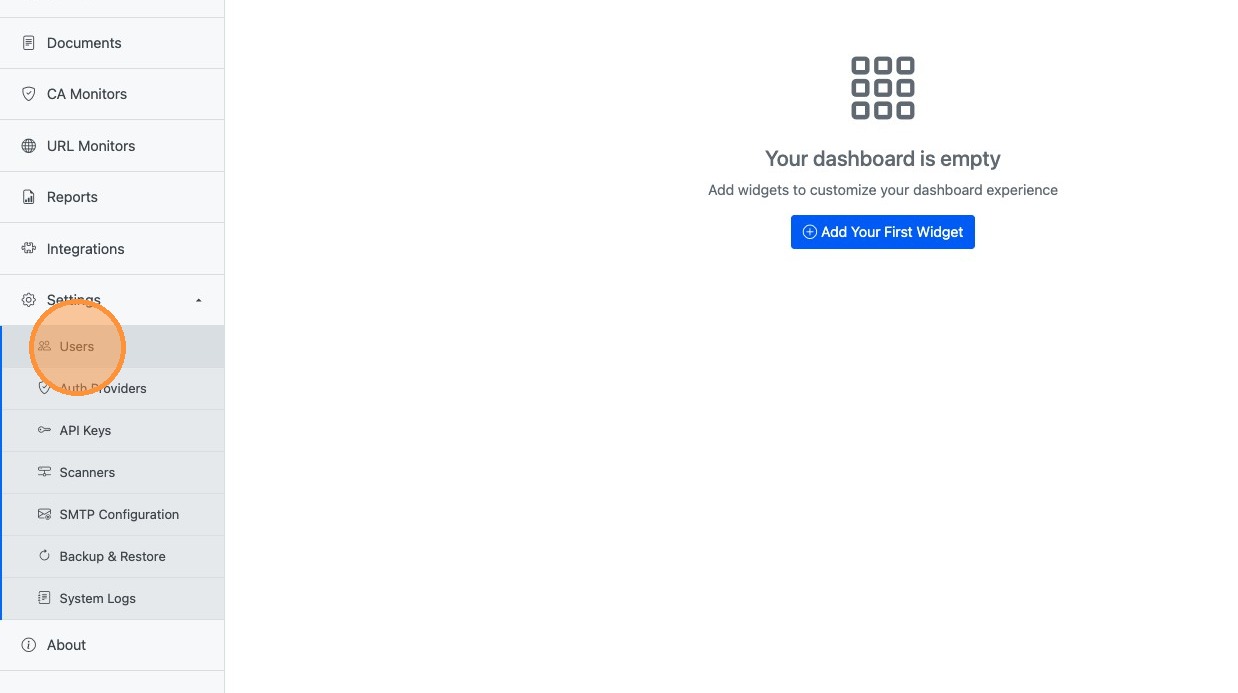
3. Click "Users"
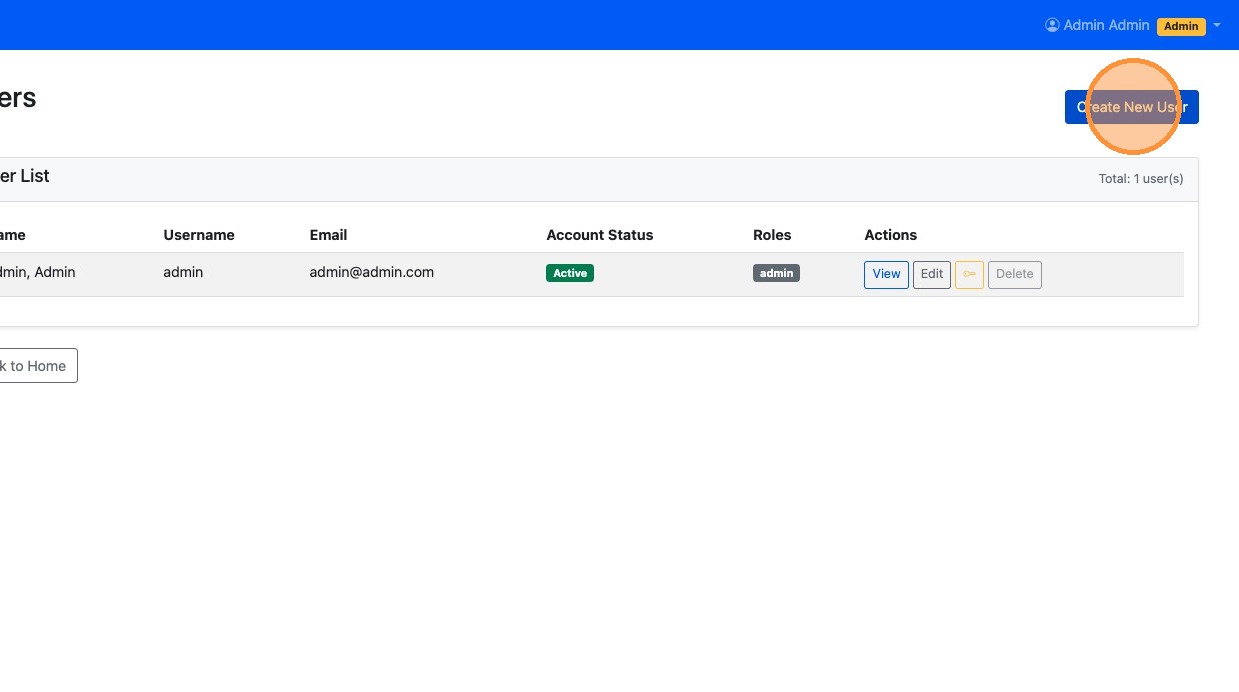
4. Click "Create New User"
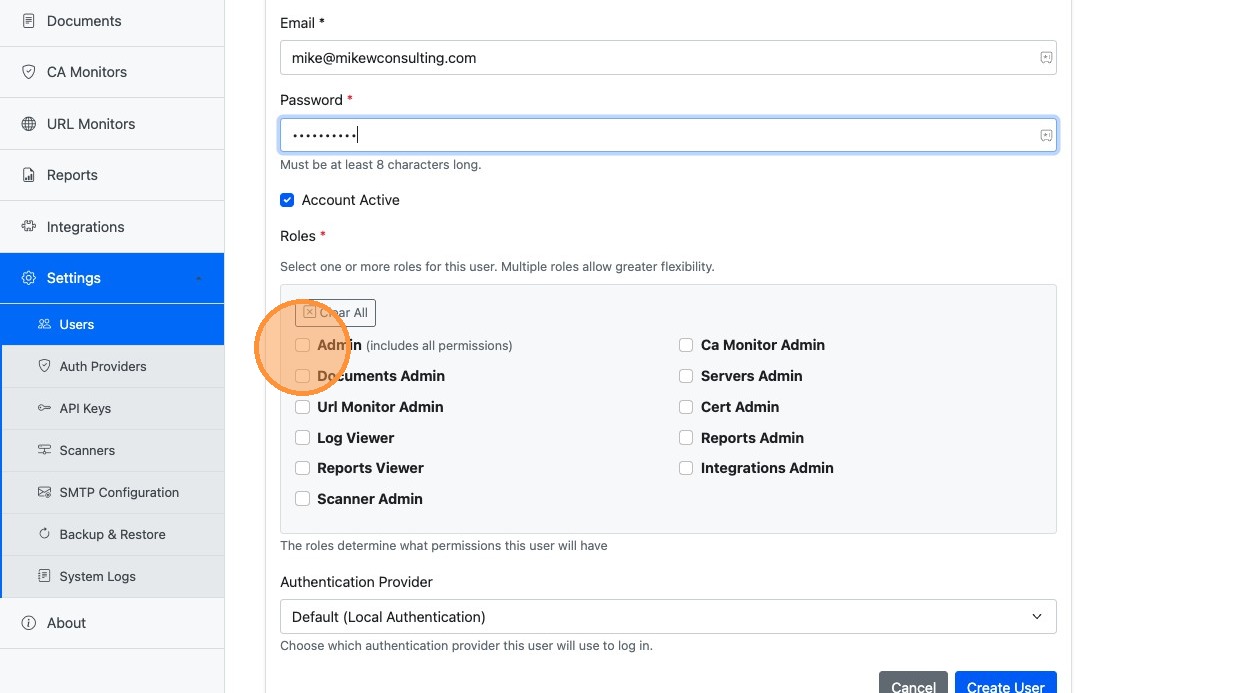
5. Enter account details: Username, First Name, Last Name, Email Address, and Password.
6. Select the appropriate role for the user
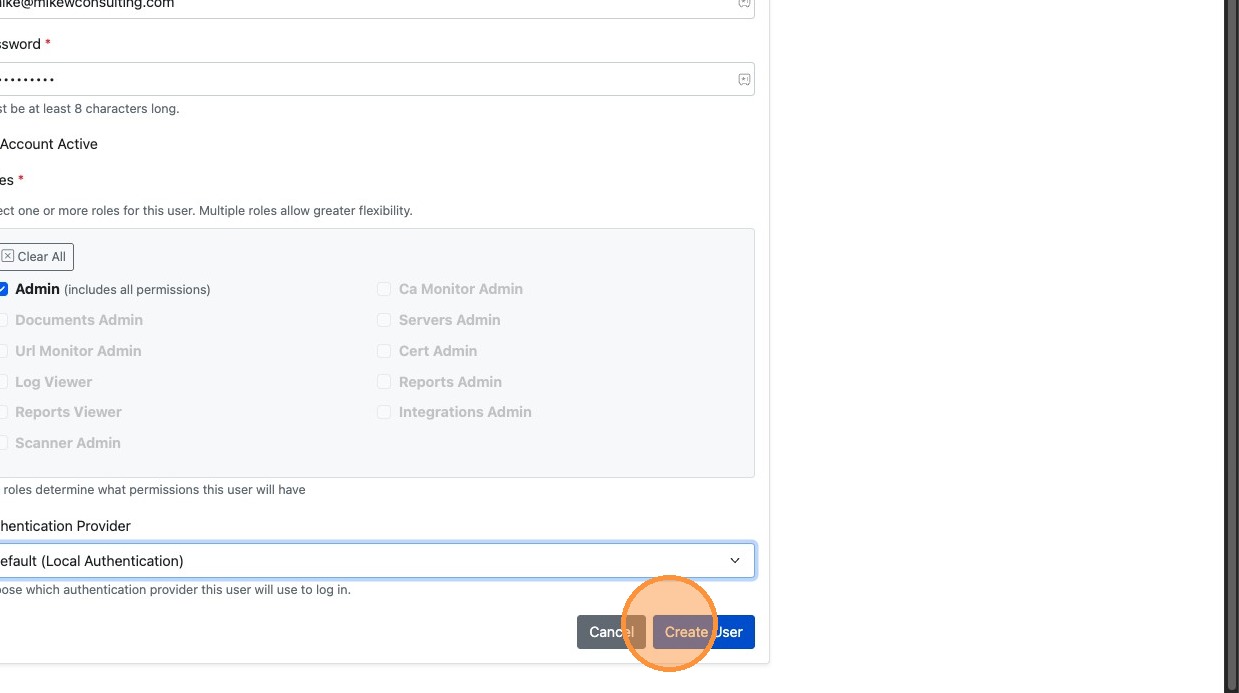
7. Click "Create User"
8. Verify the user was created successfully in the User List.